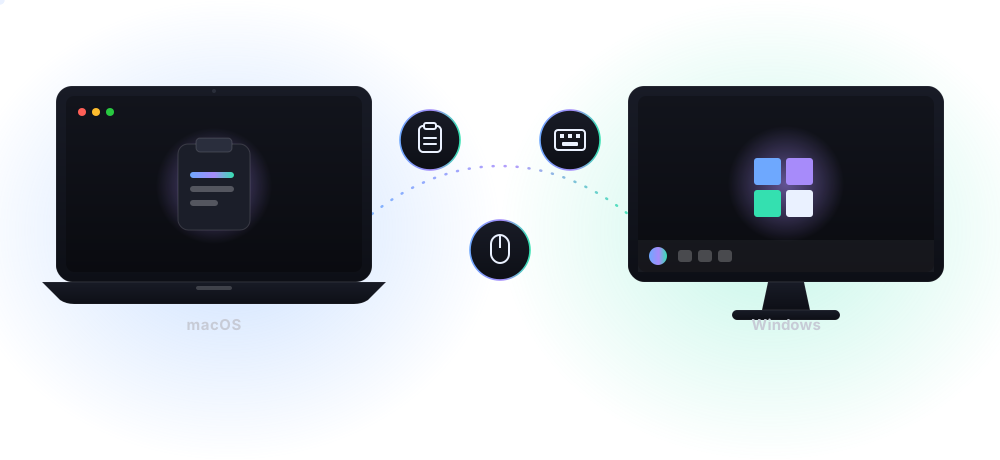
A lightweight menubar app that syncs text, images, and files across your Mac and PC, and lets you share one mouse and keyboard between them — over WebSocket, instantly, encrypted, and without the cloud.
No account and no cloud dashboard — just your devices and a shared password.
Requires macOS 13 or later, 64-bit Windows 10/11, or Linux (Flatpak, X11 session).
Choose Server on one device, then configure the others as Child Devices using the shown LAN address and the same password.
Text and images sync automatically. To send files, copy them first and choose “Send Files from Clipboard.”
Clipboard payloads are protected with your shared password and travel only across connections you configure. Clipboard Sync does not require an account or a hosted cloud dashboard.
Control follows whichever physical mouse or trackpad you touched last — keyboard activity never switches it, and you can still pin one device manually.
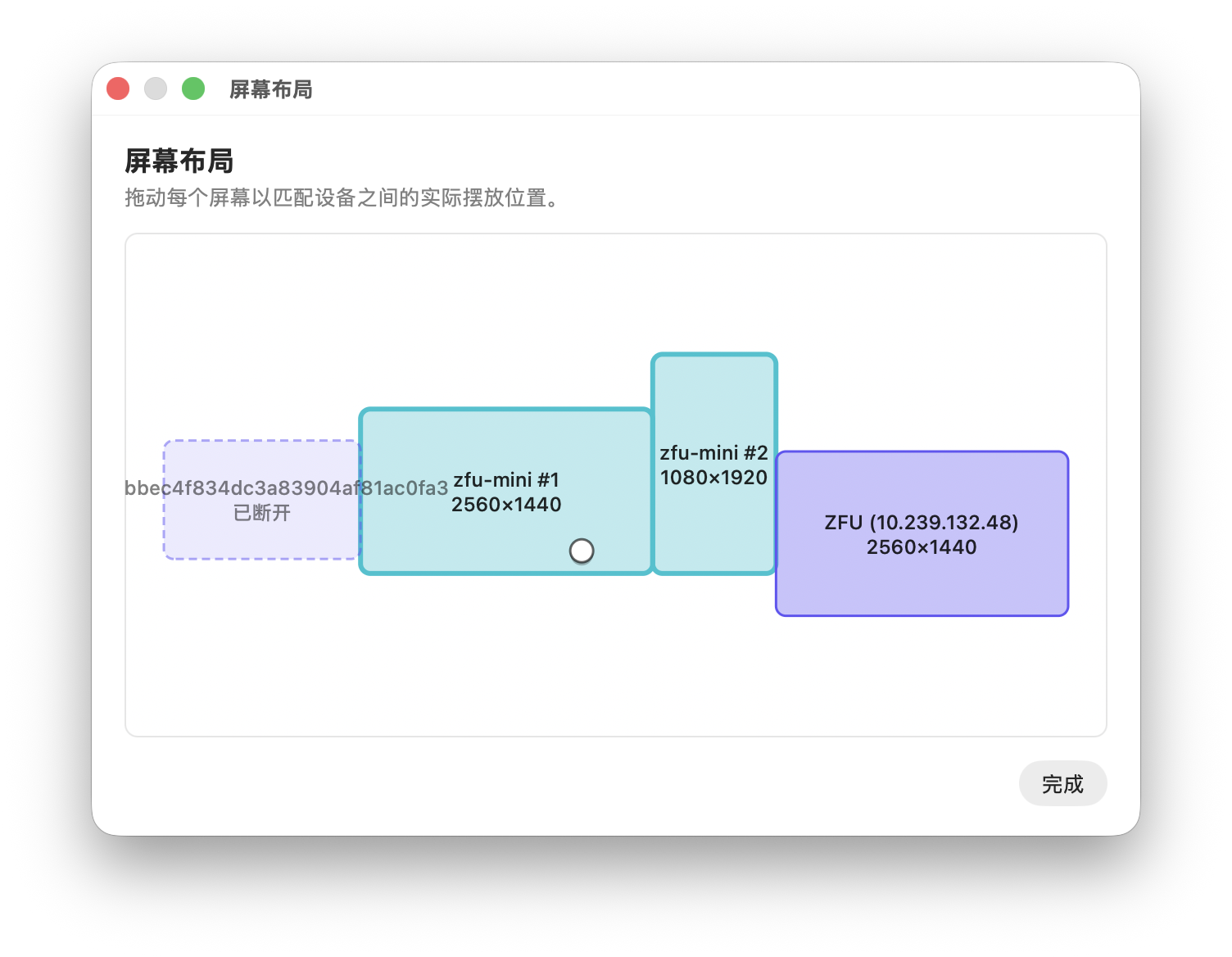
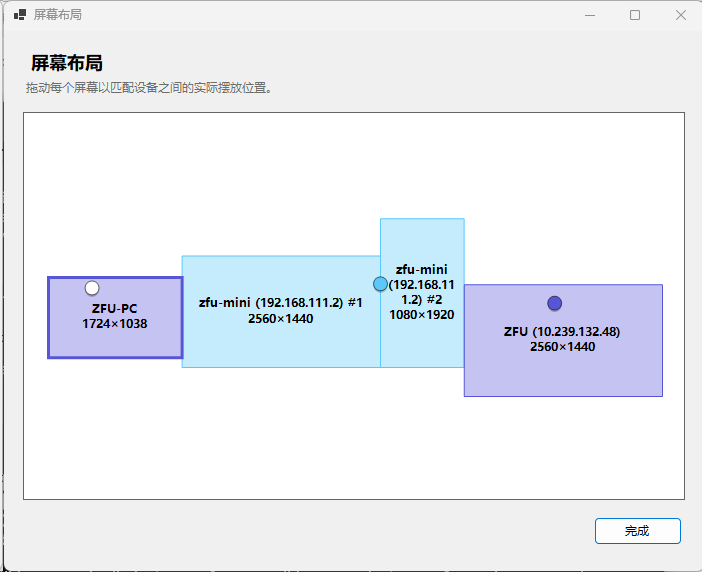
Arrange your devices exactly how they sit on your desk — just drag screens into place and the cursor flows naturally between them.
Works even when devices aren't on the same subnet — sync happily over a proxy, no special network setup required.
Built-in auto-update on macOS, Windows, and Linux keeps every device on the latest version — no manual downloads, ever.
Swift on macOS, C# on Windows, Qt/C++ on Linux — no Electron, no web wrapper. Fast, lightweight, and easy on your battery.
A feature-by-feature look at Clipboard Sync next to Synergy.
| Feature | Clipboard Sync | Synergy |
|---|---|---|
| Mouse & keyboard sharing | ✓ | ✓ |
| Drag-based screen layout | ✓ | ✓ |
| Encrypted transport | ✓ | ✓ |
| Clipboard text sync | ✓ | ✓ |
| Clipboard image sync | ✓ | Limited |
| File transfer | ✓ | Limited |
| Clipboard history with thumbnails | ✓ | ✗ |
| Auto control device — control follows your mouse | ✓ | ✗ |
| TCP port forwarding between devices | ✓ | ✗ |
| Prevent system sleep (timers & weekly time plan) | ✓ | ✗ |
| Price | Free & open source | Paid license |
macOS 13 or later, 64-bit Windows 10/11, and Linux via Flatpak (x86_64 and ARM64; mouse/keyboard sharing needs an X11 session).
Direct LAN setup is simplest. Advanced users can connect across routed networks or a proxy they control; only use endpoints you trust.
Received files are placed on your clipboard. Paste them into the folder where you want to keep them.
Accessibility and Input Monitoring are only needed for mouse and keyboard sharing. Clipboard sync works independently.
Yes — the full source code lives at github.com/qiudaomao/clipboardSync, including all three native clients and the release pipeline. Issues and pull requests are welcome.
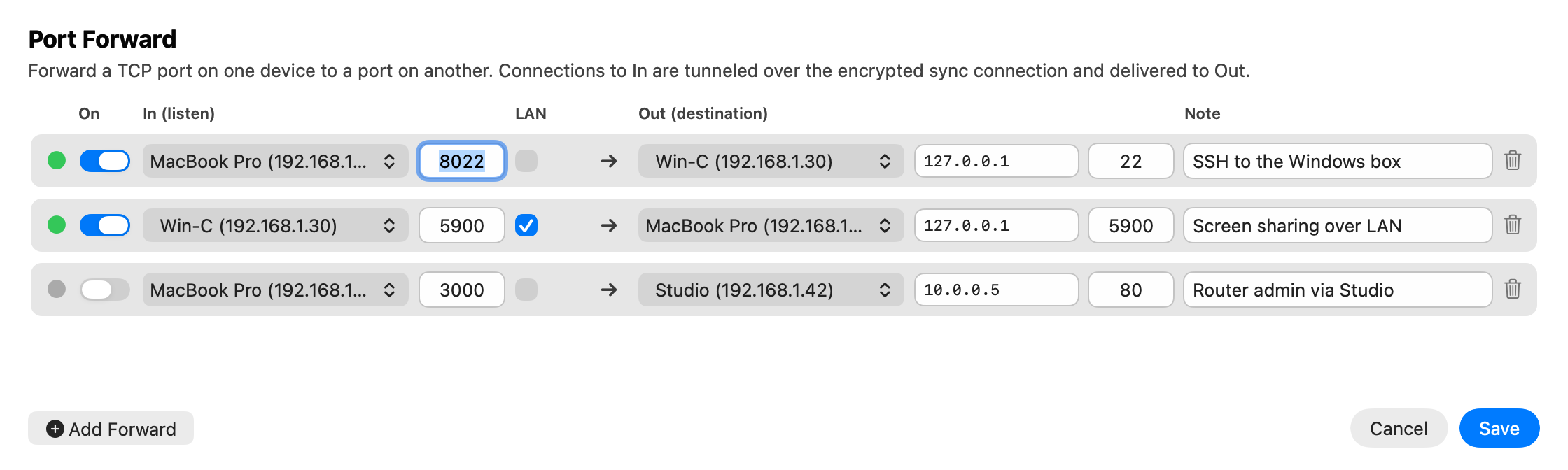
Open More Features → Port Forward to reach a service on any of your devices — SSH, a remote desktop, a dev server, or a router's admin page — as if it were local.
A native app built for speed, privacy, and getting out of your way.
Copy on one machine, paste on another — synced instantly over your local network.
Text and images sync automatically, no manual steps or format conversion needed.
Send files across devices with a single click, straight from your clipboard.
Never lose a copy — browse and reuse recent clipboard items anytime.
Every payload is encrypted with your password, so only your devices can read it.
Control multiple machines with a single mouse and keyboard, seamlessly.
Tunnel a TCP port from one device to another over the same encrypted connection — reach SSH, VNC, or a dev server anywhere.
Set one device as the server, connect the others as child devices, and start copying across your network.